Lightning Connector Basics: What You Need to Know
You use the lightning connector every day if you have an iPhone 14, iPhone 14 Plus, or iPhone SE 3. This small port helps you charge your phone, move photos and music, and connect things like headphones or speakers. Enhance your daily experience with high-quality accessories that provide reliable charging, fast data syncing, and easy connectivity to other electronics.
What Is a Lightning Connector?
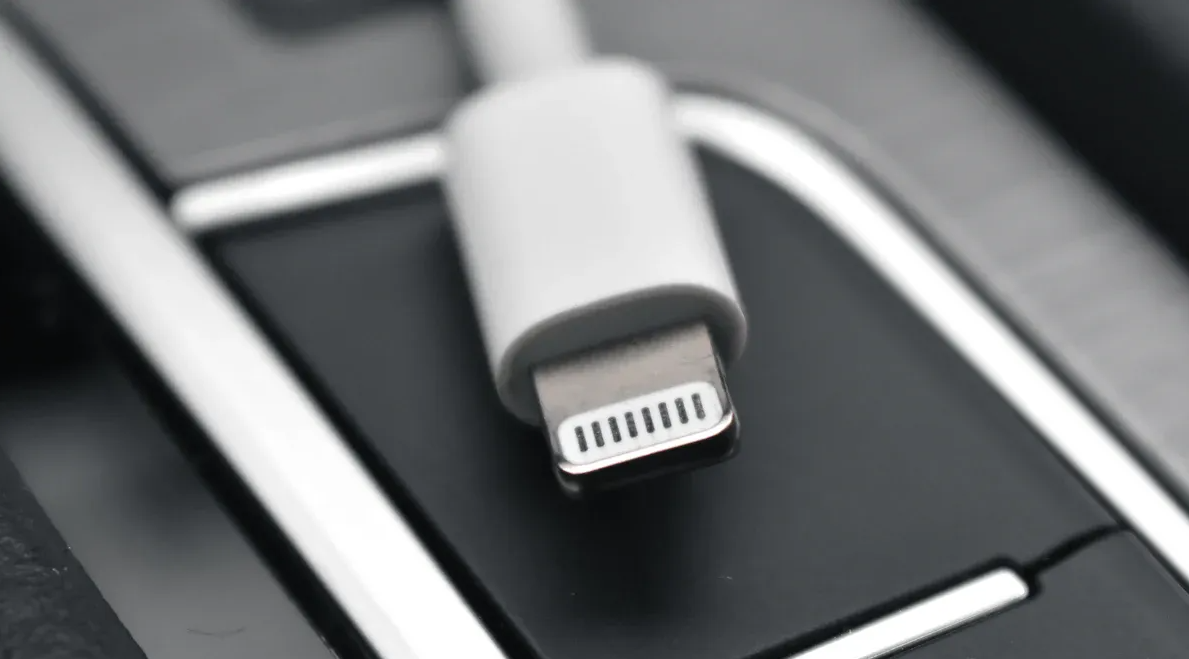
Image Source: pexels
Definition and Main Uses
You can find the lightning connector on lots of Apple devices. This small plug lets you connect your iPhone, iPad, or iPod to chargers, computers, and other accessories. You use it to charge your device, move files, and listen to music with wired headphones. The connector is special because you can plug it in either way. This makes it easy to use, even when it is dark. This durable, all-in-one cable lets you safely fast-charge, transfer files, and connect to speakers or docks for all your Apple devices.
Apple keeps using the lightning connector because it works with many accessories. Many people like how easy and reliable it is to use every day.
How It Works
The lightning connector uses smart technology to make things easy. It has eight pins inside that send power and data. You can charge your device and move files at the same time. The connector lets you charge your device quickly, so you do not wait long. Special parts inside the cable help your device get more power safely. This helps your battery stay safe while charging faster.
You can also move big files, like videos or music, very fast. The connector lets you hear clear sound with wired headphones. You do not have to worry about plugging it in the wrong way. The connector has a small chip that knows which way you plug it in and sends signals the right way.
Tip: Always use certified lightning cables to keep your device safe and get the best results.
The lightning connector makes your Apple device simple to use, quick to charge, and easy to connect to other gadgets. You get a strong connection every time.
Design Features
8-Pin Reversible Design
You will notice that the lightning connector stands out because of its 8-pin reversible design. You can plug it in either way, so you do not have to worry about which side is up. This makes it much easier to use, especially when you cannot see the port well, like in a dark room or when you are in a hurry. You save time and avoid frustration. The connector also uses a small chip inside to assign the right job to each pin, no matter how you plug it in. This means you can charge your device, sync data, or listen to music without thinking about the direction of the plug.
Digital Signal Transmission
The lightning connector sends digital signals through its eight pins. You get fast charging and quick data transfer because the connector can handle both at the same time. When you move photos or music, you will notice the speed. The digital signal also helps you hear clear sound if you use wired headphones. You do not lose quality, and your device stays connected. The connector works with many Apple accessories, so you can use one cable for many tasks.
Internal Chip Functionality
Inside every lightning connector, you will find a smart chip. This chip helps the connector do many things with just eight pins. It lets your device know what you want to do, like charge, sync, or play music. The chip also checks if your cable is safe and made by a trusted company. You get extra protection because the chip can spot fake or unsafe cables. The chip uses special technology to talk to your device and make sure data moves safely. It checks for mistakes in the data, so your files stay safe and your device works well.
Note: The chip inside the connector helps keep your device safe and makes sure everything works as it should.
You can see that the design of the lightning connector makes your daily device use simple, fast, and safe.
Device Compatibility
Supported Apple Devices
The lightning connector works with lots of Apple products. Most iPhones from iPhone 5 to iPhone 14 use it. This includes iPhone SE, iPhone 6, iPhone 7, iPhone 8, iPhone X, and iPhone 13. Many iPads also use this connector. iPad Pro (first and second generation), iPad Air (first to third generation), and iPad mini (up to the fifth) all support it. If you have an iPod touch, the sixth and seventh generations use this connector too. You can charge and connect your device easily, no matter which model you have.
Tip: Check your device’s charging port before you buy a new cable or accessory.
Adapters and Accessories
There are many adapters and accessories for Apple devices. You can use adapters to connect your device to HDMI screens, USB devices, or SD cards. Some popular accessories are headphone adapters, charging docks, and car chargers. You can also get camera adapters to move photos from your camera to your iPhone or iPad. Many brands sell certified cables and adapters, so you have lots of options. You can use your device in many ways at home, in the car, or at work. Our range of adapters and docks lets you use wired headphones, connect to HDMI screens, transfer camera files fast, and keep your device charged.
Common Compatibility Issues
Sometimes, you may have problems with lightning connector accessories. The connection might feel loose or not work at all. Some adapters need extra power, like when you connect to TVs or projectors. If your cable or port does not work, you might see no picture or bad performance. Old software can cause problems too, so update your device often. Restarting your device can fix small problems. If you use a non-certified cable, you could hurt your device or lose data.
Note: If you have trouble, try restarting your device or updating your software first.
You can avoid most problems by using certified accessories and keeping your device updated.
Lightning Connector vs. Other Connectors
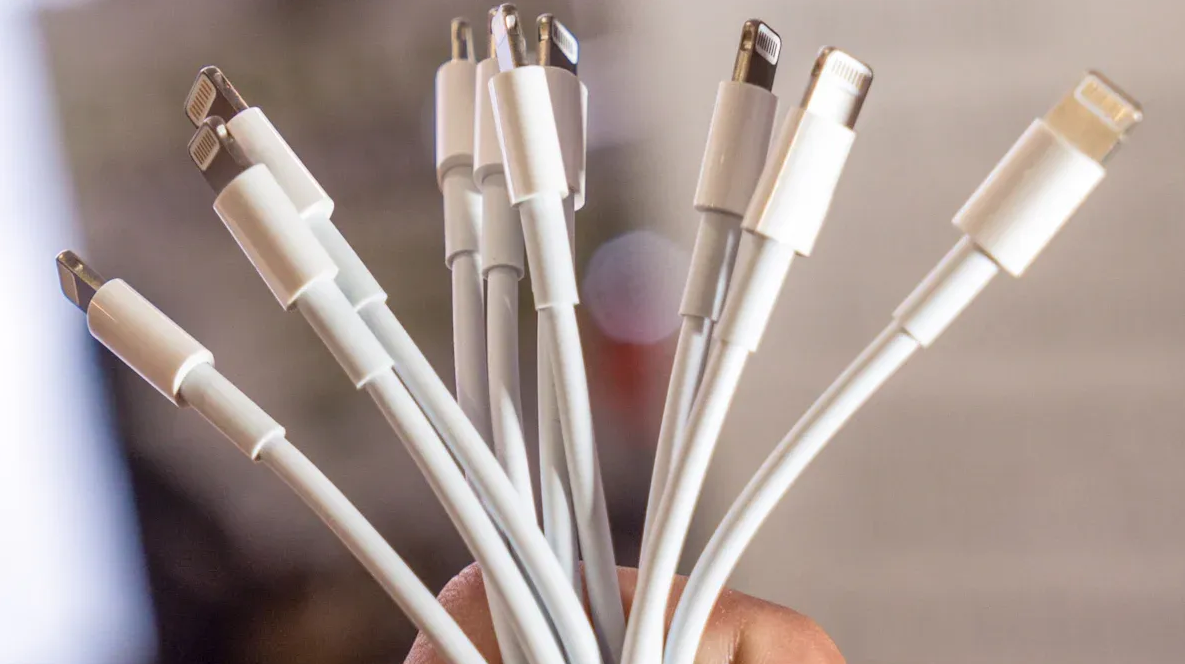
Image Source: unsplash
USB-C Comparison
USB-C connectors are found on many devices. You see them on laptops, tablets, and Android phones. USB-C lets you move files very fast. It uses USB 3.1 and Thunderbolt 3. You can charge your device with more power. USB-C works with many brands. You can use one cable for different devices. Both USB-C and lightning connectors are small and reversible. They are easy to plug in. USB-C is more flexible. It works with more electronics.
Tip: USB-C is good if you want one cable for many devices.
Micro USB Comparison
Micro USB connectors look different from lightning connectors. Micro USB has a small 5-pin design. The port is usually black. You find micro USB on older Android phones and cameras. It is also on other gadgets. Micro USB charges devices quickly. Lightning connectors charge even faster. Micro USB does not fit Apple devices. You need an adapter for that. Lightning connectors have an 8-pin design. They are usually white. Apple made them stronger and better than micro USB.
1、Micro USB works with many Android devices.
2、Lightning connectors work mostly with Apple products.
3、Micro USB needs you to check the plug direction. Lightning connectors work both ways.
Key Differences
There are important differences between these connectors. USB-C moves files faster and charges quicker. It gives more power. Lightning connectors are made for Apple devices. They use special technology for charging and syncing. Micro USB is not as strong. It only fits one way. This can make plugging in hard. USB-C and lightning connectors are both reversible. USB-C works with more brands and devices.
Note: Pick a cable based on your device, charging speed, and how you use it.
You get the best results when you choose the right connector for your device and needs.
Pros and Cons
Advantages
There are many good things about using a lightning connector. It charges your Apple device fast. You can move files quickly too. This means you do not wait long for power or data. The cable sends power safely. This helps your battery last longer. The connector feels strong and does not break easily. You can plug it in either way. You do not have to check the direction. This is helpful when you cannot see well or are in a rush.
Limitations
There are some problems with lightning connectors. They only work with Apple devices. You need other cables for non-Apple products. Most lightning cables use USB 2.0. This makes moving files slower than USB-C. Charging is not as fast as USB-C. Lightning does not use the highest power. To connect to HD screens, you need extra adapters. These can cost more and take up space. Apple decides which accessories work with lightning. You may find fewer cheap options.
User Tips
Choosing a Lightning Cable
You want a lightning cable that works well and lasts long. Look for genuine Apple cables to protect your device from damage. Cables with MFi certification work best with Apple products. You should pick a cable length that fits your needs at home, school, or work. Strong cables with reinforced connectors do not break easily. Before you buy, check user reviews to see if others had good experiences.
Maintenance and Care
You can make your lightning connector last longer with good care. Select connectors that match your environment, such as waterproof or corrosion-resistant types if needed. Always install your cable gently and follow the instructions. Make sure the pins line up to avoid damage. Clean your connector often and keep it dry to prevent rust. Try not to plug and unplug your cable too much. Store unused cables in a dry place and use caps to protect the ends. High-quality connectors stay strong and work better over time.
Troubleshooting
If your lightning connector does not work, you can fix many problems yourself. Check both ends of your cable for fraying or bends. Clean the connector and your device port to remove dust. Use an original Apple charger and try another power outlet. Restart your device to refresh the connection. Test with another cable to see if the problem is with your device or the cable. Old cables may stop working, so consider replacing them if you have trouble.
You now know the most important things about lightning connectors. These connectors help you charge your device, transfer data, and connect to many accessories. You get a strong, reversible plug that lasts a long time. To keep your connector working well, use certified cables and check for damage or dirt.